
 Pro
Resume templates
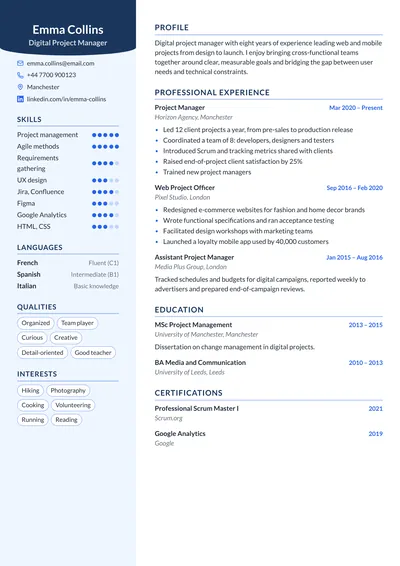
Pick from 13 professional templates that recruiters and their software can read. The preview matches the PDF, colors change in one click, and your content follows you from one template to another.
Pro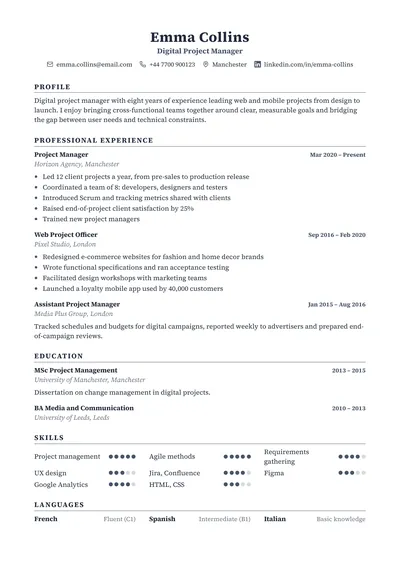 Free
Classic
A single, understated column that applicant tracking systems read easily.View this template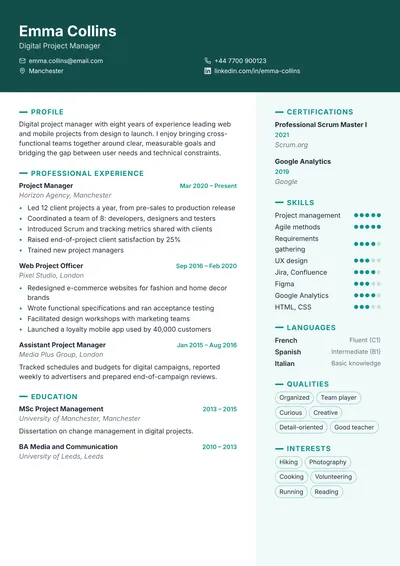 Pro
Banner
Full-width colored header, secondary column on the right.View this template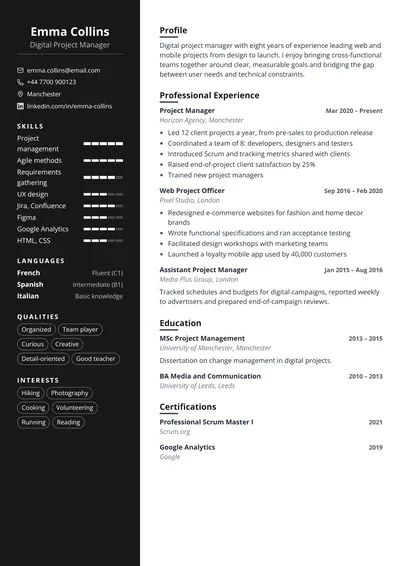 Pro
Contrast
Dark sidebar with photo and skill gauges, content on a white background.View this template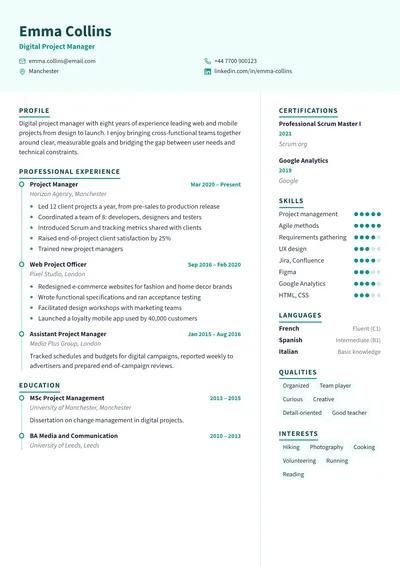 Pro
Timeline
Career shown as a timeline, skills column on the right.View this template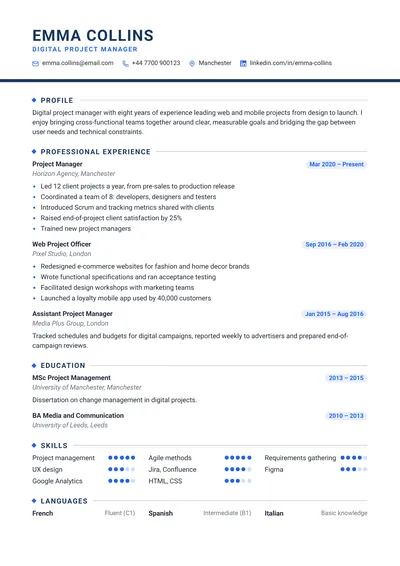 Pro
Executive
One column, header underlined with a colored bar, photo on the right and ruled headings.View this template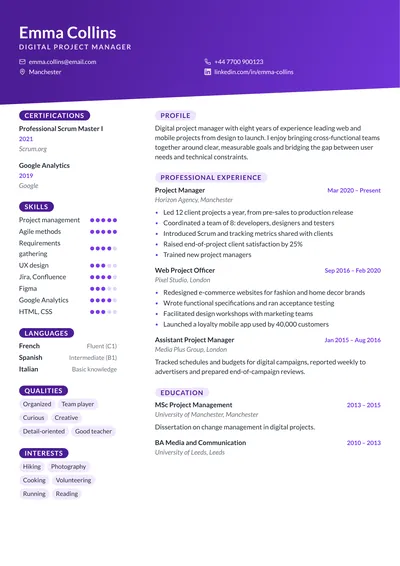 Pro
Gradient
Gradient header with a slanted edge, photo on the right and pill-shaped headings.View this template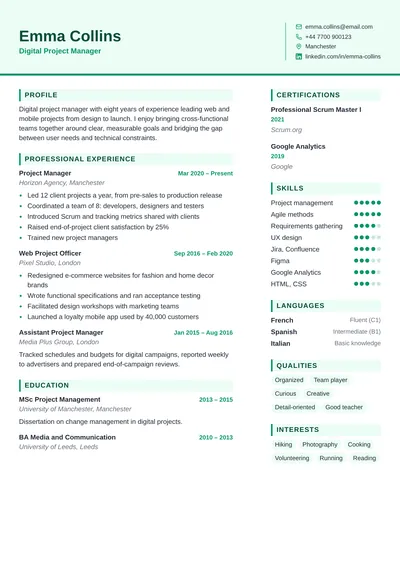 Pro
Horizon
Tinted two-part header with identity and contact details, banner headings.View this template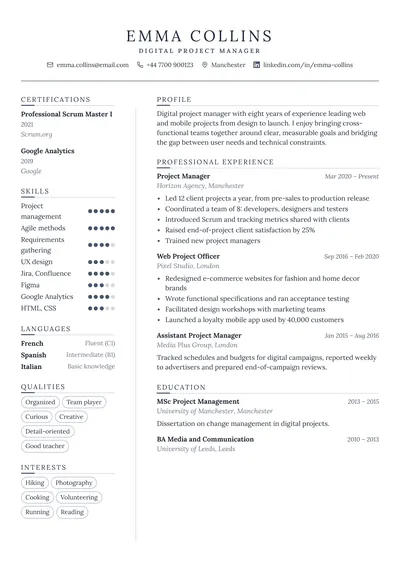 Pro
Elegant
Centered header with a double rule, serif font, two columns separated by a thin line.View this template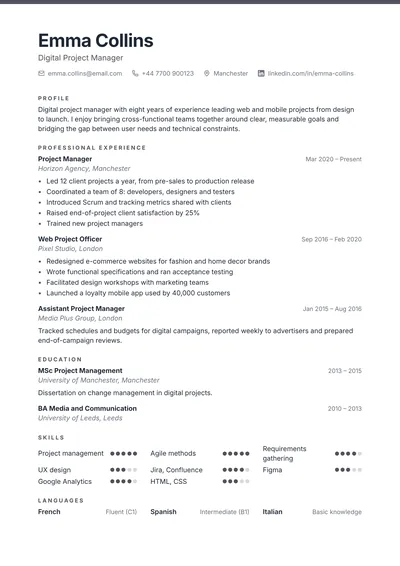 Pro
Clean
One airy column, thin colored border at the top of the page and subtle headings.View this template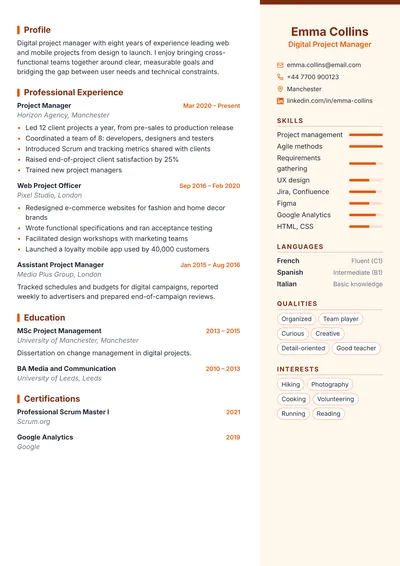 Pro
Panorama
Tinted column on the right with photo and contact details, career on the left.View this template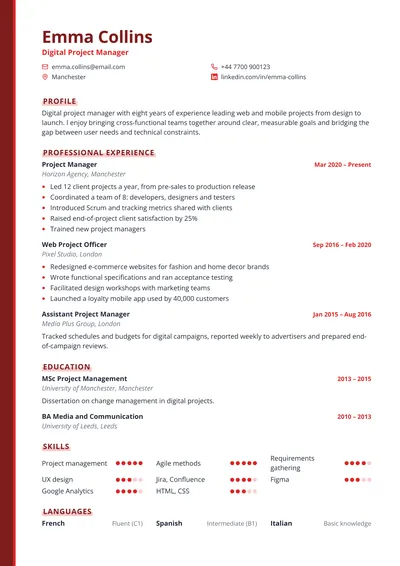 Pro
Signature
One column edged with a colored vertical bar, highlighted headings.View this template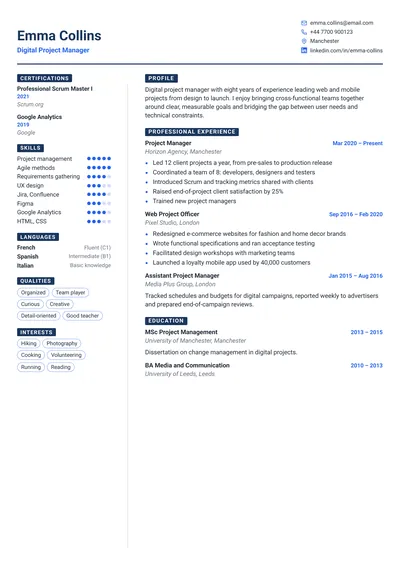 Pro
Compact
Reduced margins and colored label headings: ideal for a packed career.View this templateThe same templates dress your cover letters: your application stays consistent from resume to letter.
Frequently asked questions about templates
Which resume template should I choose?
The most readable one for your situation: Classic or Clean for online applications and large companies, Modern or Contrast to show skills and languages at a glance, Executive or Elegant for traditional industries. You can switch templates at any time without retyping anything.
Are the resume templates free?
Every template can be tried for free in the editor. The Classic template downloads as a free PDF with a discreet “cvticket.com” mention at the bottom of the page; the other templates download with a pass or the Premium subscription.
Can I change templates after starting?
Yes, at any time: your content is independent from the template. Switch templates, colors or fonts, and your text reflows automatically without losing anything.
Do these templates get past applicant tracking systems (ATS)?
Yes: the generated PDF contains crisp, selectable text that this software can read. For two-column templates, CVticket’s ATS analysis tells you when the job you target calls for a single column instead.